
Shift Scheduling
Set up the shift pattern once, then generate the schedule for the weeks ahead
RevoHR lets operations define reusable shift patterns, generate weeks of shifts from crew rotations, check staffing requirements and manage coverage when plans change.
- Reusable standard and rotating shift templates
- Continental, 4-on/4-off, DuPont and custom cycles
- Multi-location crew scheduling
- Staffing and conflict checks before publication
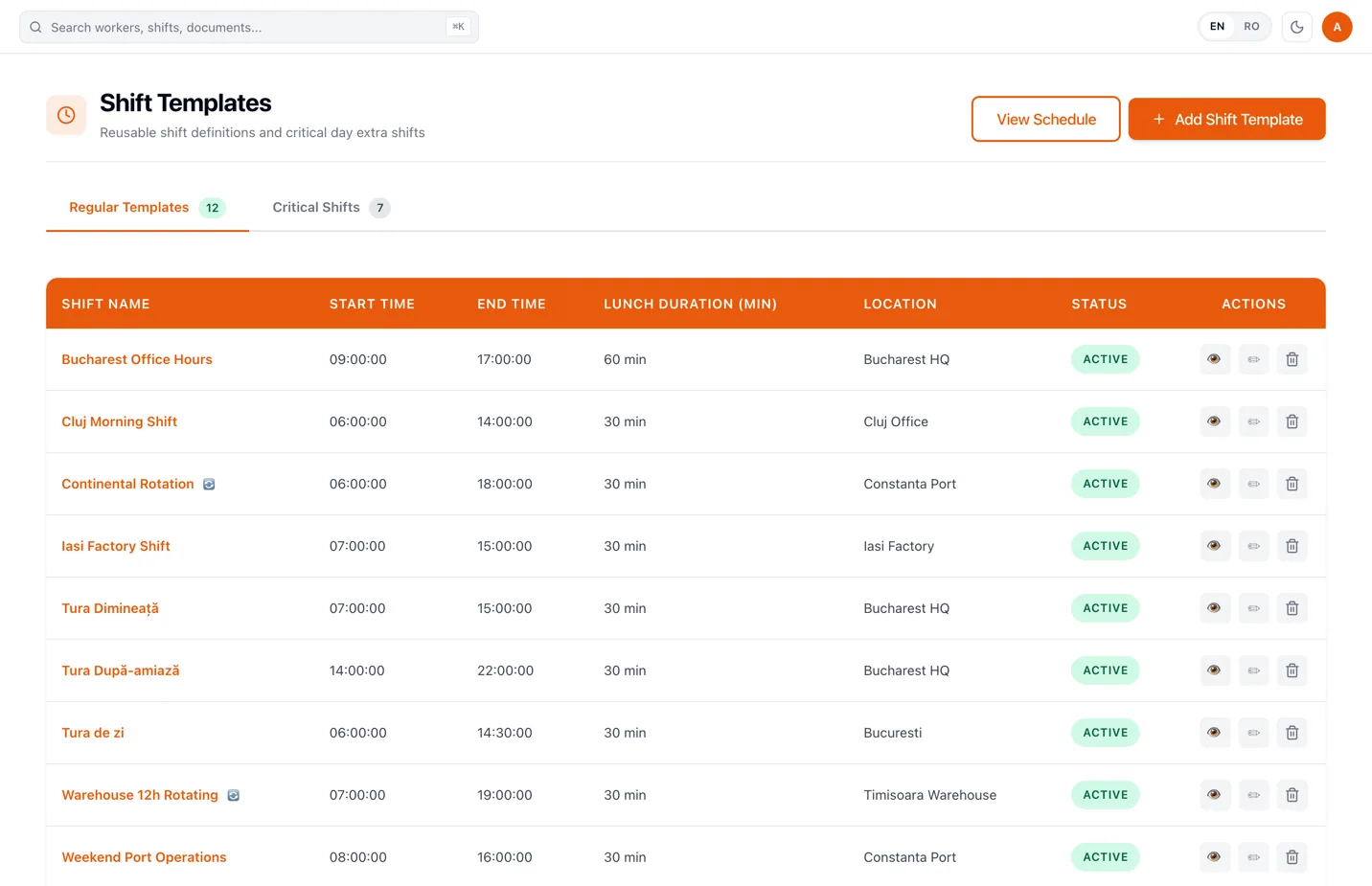
Define the shift once, then reuse it
The template describes the pattern, not one person on one day.
A shift template describes the pattern rather than an individual assignment: start and end time, break duration, active days, location and the staffing the shift requires.
Night work is handled as a real midnight-crossing shift, so a 22:00-06:00 shift remains one continuous period instead of being split across two days. Rotating templates can be built as work and off steps, including day/day/night/night patterns.
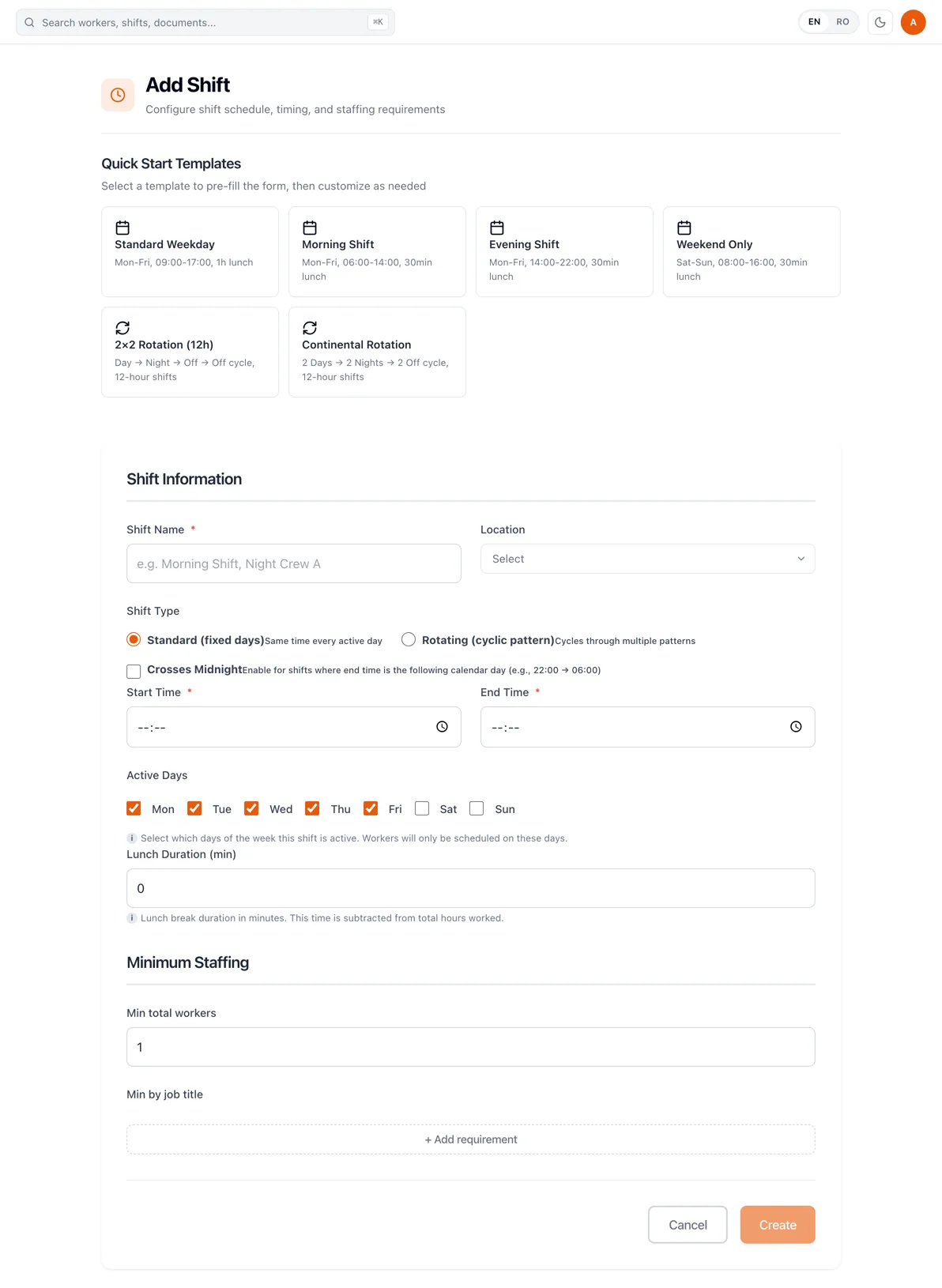
Generate weeks of shifts from a crew rotation
A schedule plan turns the pattern into an actual schedule. HR or operations chooses the location, rotation start, schedule slots and crews, then generates several weeks ahead instead of rebuilding every week by hand.
Plans can be generated as draft or published immediately. Draft mode is useful while the schedule is still being checked; published shifts are the ones workers can see.
- 1
Choose the location and rotation anchor
The plan starts from the site it covers and the date the rotation cycle is counted from.
- 2
Define the shift slots and their days
The slots are the shift patterns the plan cycles through, and the days each of them runs.
- 3
Put workers into crews
Each crew gets its starting slot, which is what makes one crew work days while another works nights.
- 4
Generate, review and extend
The plan generates the selected number of weeks. Review it, publish it, and extend it when the horizon runs short.
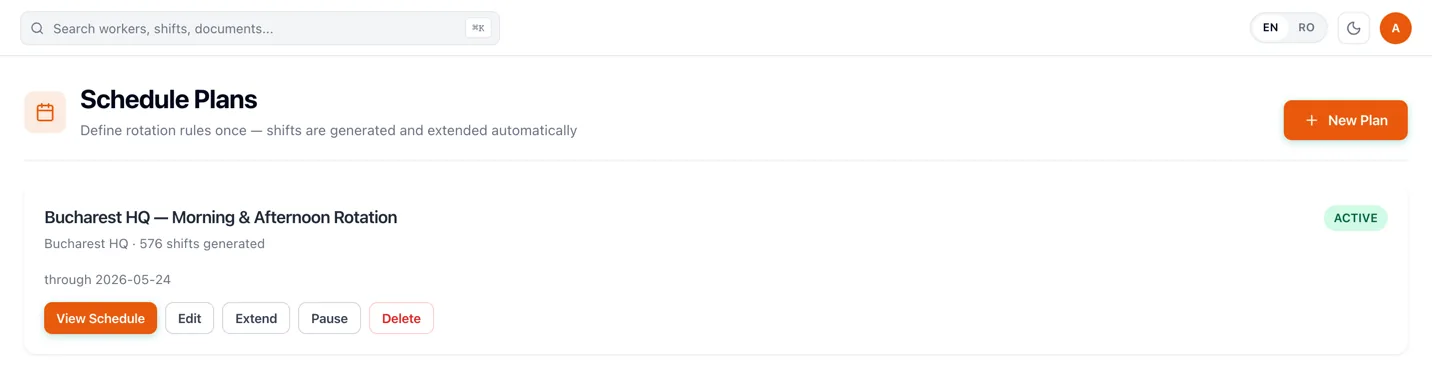
A generated schedule still needs operational control
Not every shift belongs to a repeating pattern. RevoHR also lets the team assign named workers or teams to specific shifts and adjust the day schedule without rebuilding the underlying rotation plan.
The schedule board separates draft, published and cancelled rows. Publishing makes the shift visible to the worker; notifying them is a separate action, so the team can review the schedule before WhatsApp messages go out.
- 1Generate the plan
- 2Adjust the day
- 3Publish
- 4Notify the workers
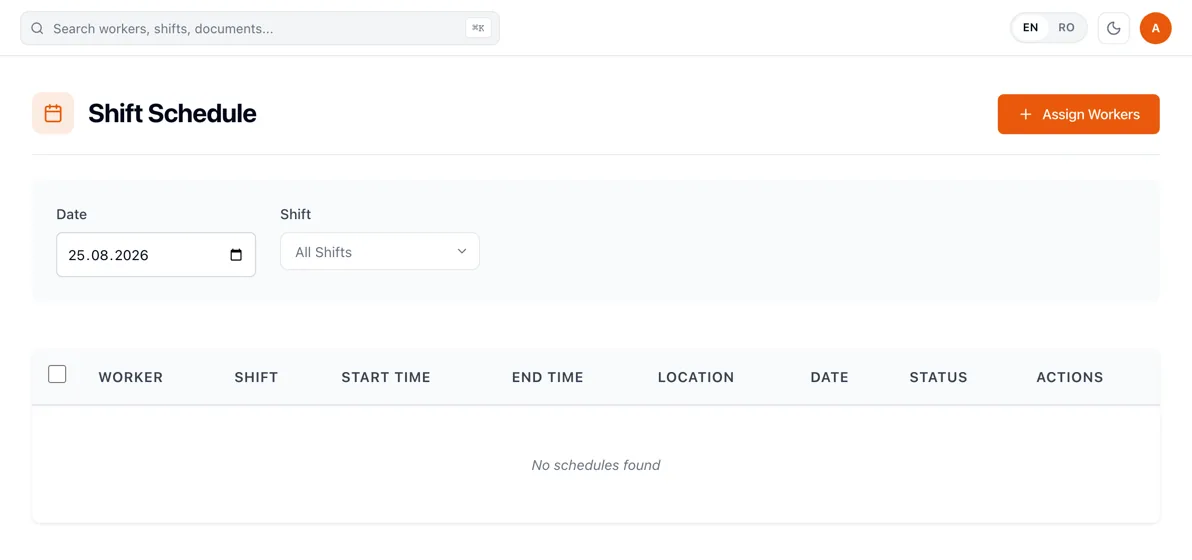
See conflicts before they become a gap at shift start
RevoHR detects double-bookings and leave/shift collisions. Shift templates can also carry minimum staffing requirements by job title, so operational coverage is part of the schedule rather than a separate spreadsheet check.
Critical shifts can be created for peak days, holidays or one-off operations where extra staffing is required.

Checked while the schedule is being built
- the same worker assigned to two shifts at once
- approved leave overlapping a published shift
- minimum total workers per shift
- minimum workers per job title
- extra staffing on critical days
- coverage across more than one location
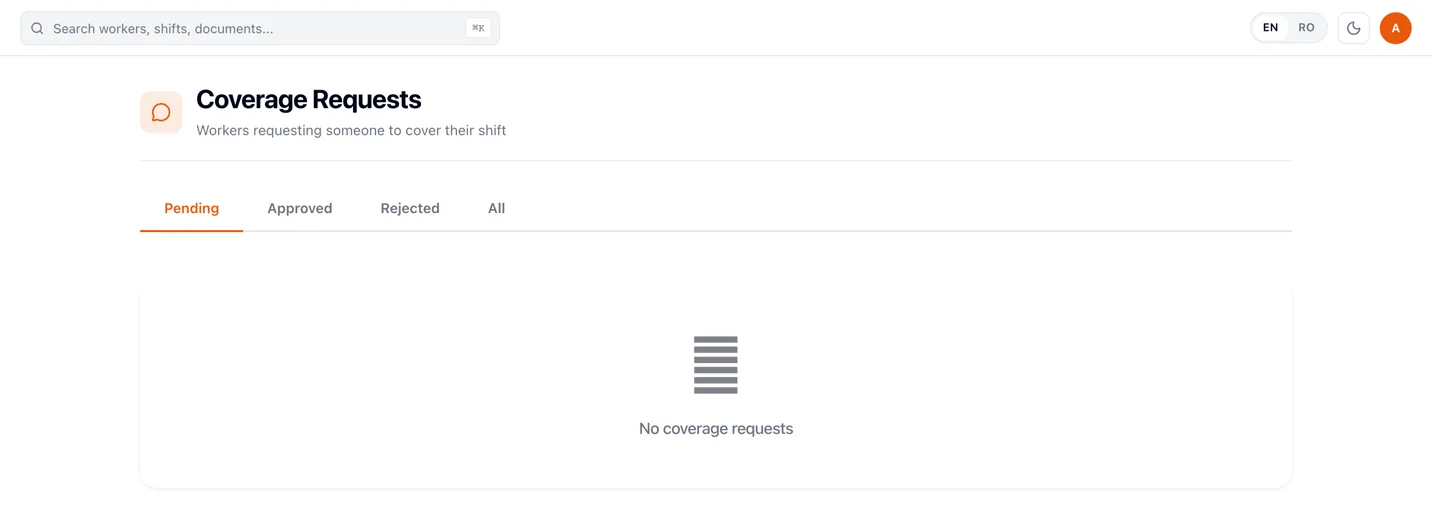
Coverage requests stay connected to the actual schedule
A worker who cannot work an upcoming shift can request coverage. HR or operations chooses the covering worker and approves or rejects the request. Approval reassigns the shift, and a request cannot be approved without somebody selected to cover it.
Workers see their own upcoming shifts and raise the request from there, so the change starts against the real shift rather than as a message somebody has to remember.
Built for schedules that are more complicated than Monday to Friday
Operational examples
Manufacturing
Generate rotating crews and keep minimum staffing visible by role.
Logistics & warehousing
Manage morning, evening, night and weekend coverage across locations.
Hospitality
Plan recurring shifts while still handling event or peak-period staffing separately.
Staffing & outsourcing
Create schedules per client location and keep worker assignment tied to the site where they are deployed.
What this replaces
| Current process | RevoHR approach |
|---|---|
| Weekly schedule rebuilt in Excel | Reusable templates and generated schedule plans |
| Night shifts split across two days | Midnight-crossing shift logic |
| Crew rotations calculated by hand | Rotation-plan generation |
| Coverage arranged in calls and messages | Structured coverage request |
| Staffing checked after the schedule is built | Staffing and conflict checks while scheduling |
The schedule is where the rest of the workday starts
Published shifts are what attendance records are matched against, what a leave request is checked for conflicts against, and what the worker sees in the same WhatsApp conversation they use for everything else.
That is why scheduling in RevoHR is not a standalone scheduling tool: the plan and what actually happened stay connected.
Related product pages
Frequently asked questions
- Can RevoHR handle rotating shift patterns?
- Yes. Schedule plans can generate recurring crew rotations, including continental, 4-on/4-off, DuPont and custom cycles.
- Can a shift cross midnight?
- Yes. Shift templates include a midnight-crossing setting, so overnight work such as 22:00-06:00 is treated as one continuous shift.
- Can we define minimum staffing by role?
- Yes. A shift can include staffing requirements by job title as well as a minimum total number of workers.
- Can schedules be prepared before workers see them?
- Yes. Schedule plans can be generated as drafts and published later, after the team reviews the schedule.
- What happens if a worker is assigned twice or has approved leave?
- RevoHR detects double-bookings and leave/shift conflicts, so the team can resolve them before the schedule is finalised.
- Can workers request somebody to cover a shift?
- Yes. Coverage requests can be raised for future shifts and approved only after a covering worker is selected.