
RevoHR

    Ask directly. See the impact. Decide with the data in front of you.

    Employee, shift, attendance and leave information is already in RevoHR. Management and HR can consult it through a connected AI assistant, investigate a situation and prepare options. From “Where is the overtime piling up?” to “What can we redistribute before we hire?”, the analysis can start with a question.

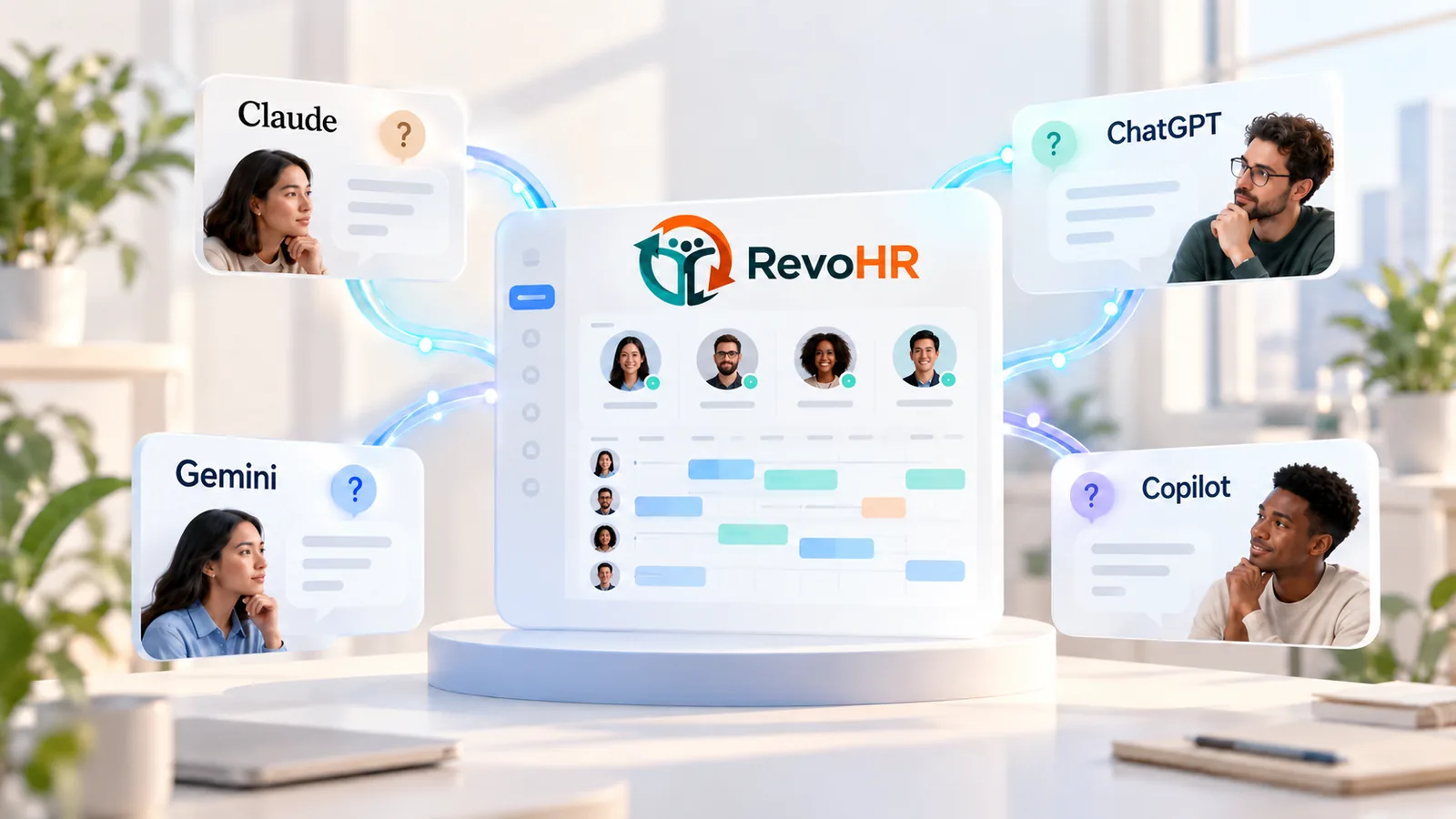
    Claude, ChatGPT, Gemini și Copilot conectate la graficul de ture din RevoHR

    A management question should not start another round of manual consolidation

    A director asks for the overtime position. HR exports the attendance records, managers check the schedule, someone compares the lists and puts a report together. Then the first answer produces a second question: “What if we reorganise the weekend team?”

    RevoHR lets a connected AI assistant consult the information available and build the analysis around your question. You can keep going on one site, one period, one team or one category of staff.

    HR and local managers can check a concrete proposal with the data and the assumptions in plain view.

    • •Answering the first question takes a manual consolidation, and the second question takes another one.
    • •The schedule and the attendance records end up in separate files, and the differences between them get compared by hand.
    • •A shift can have enough people in total and still be missing a role it needs.
    • •Overtime can justify a hire. It can also point to work spread unevenly between people in the same role.

    Monday, 09:20, in the production meeting

    “Where is the overtime piling up?”

    The question arrives without warning and the usual answer takes a day. The connected assistant consults the schedule and the attendance records for the period asked about and puts the two in the same context, keeping planned hours, hours actually worked and incomplete records distinct from one another.

    The conversation can carry straight on to one site, one team or one role, without restarting the consolidation.

    Ask: “Compare the schedule with attendance for the last four weeks and show me where the biggest differences are.”

    Wednesday, 16:40, when a leave request lands

    The request looks simple. Shift coverage says otherwise.

    The request overlaps days the person is already scheduled for. The assistant can show pending requests together with their effect on the schedule, and flag the shifts where coverage drops below the configured minimum.

    For the roles left uncovered you can ask for replacement options, before anyone changes anything.

    Ask: “Show me the leave requests that affect shift coverage and suggest options for the roles left uncovered.”

    Thursday, 11:00, before the hiring decision

    Simulate before you change the schedule

    In a demonstration example for one site, the analysis compared the existing schedule with a redistribution of the team over four weeks.

    The scenario cut overtime — the hours that carry a premium of at least 75% — from 576 to 192, while keeping total planned hours the same. The result depended on employee availability and on an adjustment to role coverage across six weekend shifts.

    The schedule in the platform stayed as it was.

    Ask: “Simulate redistributing the shifts at this site without changing the schedule. Compare the result with hiring one operator.”

    What the connected assistant can do

    Compare the schedule with what actually happened

    How many hours were planned? How many were recorded in attendance? Where do the differences show up, and which records need checking? The analysis can put the schedule and attendance in the same context, keeping planned hours, hours actually worked and incomplete data distinct. Ask: “Compare the schedule with attendance for the last four weeks and show me where the biggest differences are.”

    Weigh capacity before you hire

    Overtime can justify a hire. It can also point to work spread unevenly between people in the same role. You can compare the current position with redistribution scenarios, or with adding a person. You see which hours could be absorbed, what shortfall is left and which conditions need confirming. Ask: “Simulate redistributing the shifts at this site without changing the schedule. Compare the result with hiring one operator.”

    Spot the coverage risks

    A shift can have enough people in total and still be missing a role it needs. Leave and schedule changes can move that coverage. RevoHR supplies context about shift requirements and the people scheduled, so the analysis follows the roles as well as the headcount. Ask: “Which shifts fall below their configured minimum next week, and which roles are missing?”

    Look up an employee quickly

    Search for an employee and check the information available about their team, manager, site, schedule or leave balance. You can gather the context a request needs without moving through each screen separately. Ask: “Which team does this employee work in, who is their manager, and how many leave days do they have left?”

    Get leave requests ready for a decision

    See the pending requests and their effect on the schedule. Where coverage drops below the minimum, you can ask for replacement options. The manager gets what they need to weigh the request against how the team is organised. Ask: “Show me the leave requests that affect shift coverage and suggest options for the roles left uncovered.”

    Find options when the schedule changes

    When someone is missing, the assistant can consult the replacement suggestions and prepare an assignment, a move or a shift swap. The available tools check leave, clashes and rest between shifts. HR or the manager confirms real availability and the proposal before it is applied. Ask: “Who could cover this shift? Show me the options before you change anything.”

    Prepare the recurring checks

    Pull together expired documents and those close to expiry, training status, and the information missing from employee profiles. HR can start the review from a list of situations that need attention. Ask: “Which documents expire in the next 30 days, and who do they belong to?”

    Connecting the AI assistant you already use

    RevoHR exposes operations through MCP that a compatible AI assistant can use to consult data and prepare actions. The assistant builds the analysis from the information reachable through that connection, and the result depends on the data available, the account's permissions and the operations exposed. Compatibility and setup are confirmed for the AI assistant you choose.

    You control what gets applied

    • âś“You can ask for analysis or a simulation alone, with nothing changed in the platform.
    • âś“For the change operations that are available — assigning, moving or swapping shifts — the assistant shows a preview first.
    • âś“It is applied after you confirm, and the proposal can be checked or swapped for an alternative.
    • âś“If nothing convinces you, the existing schedule stays as it is.

    Book a demonstration for management and HR